
Give reception and your team a clear view of the day ahead. SalonBridge brings appointments, client details, staff and booking changes together, so the information you need is close to the booking.
Organise your day in one appointment calendar
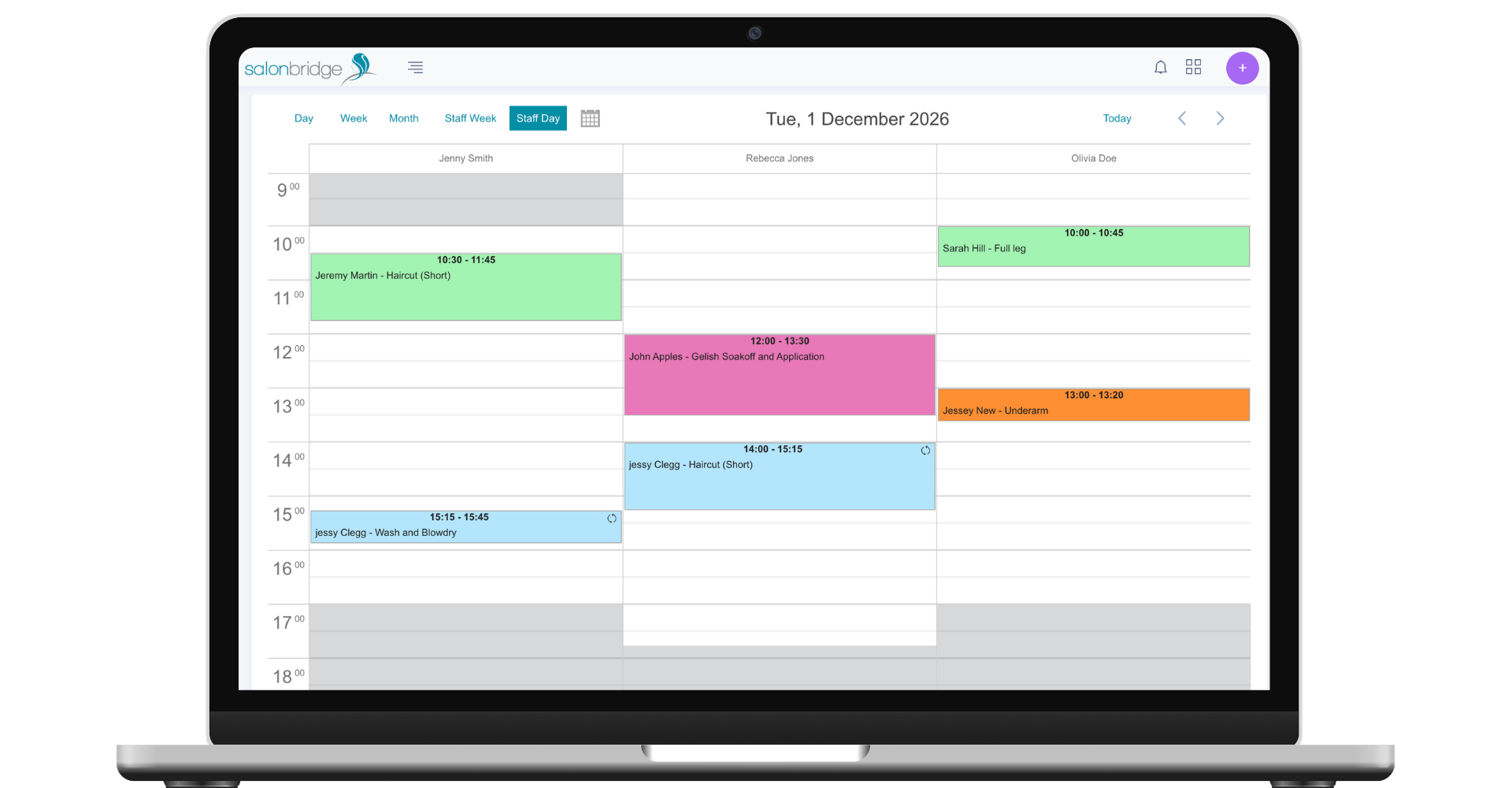
Make a booking with the right details
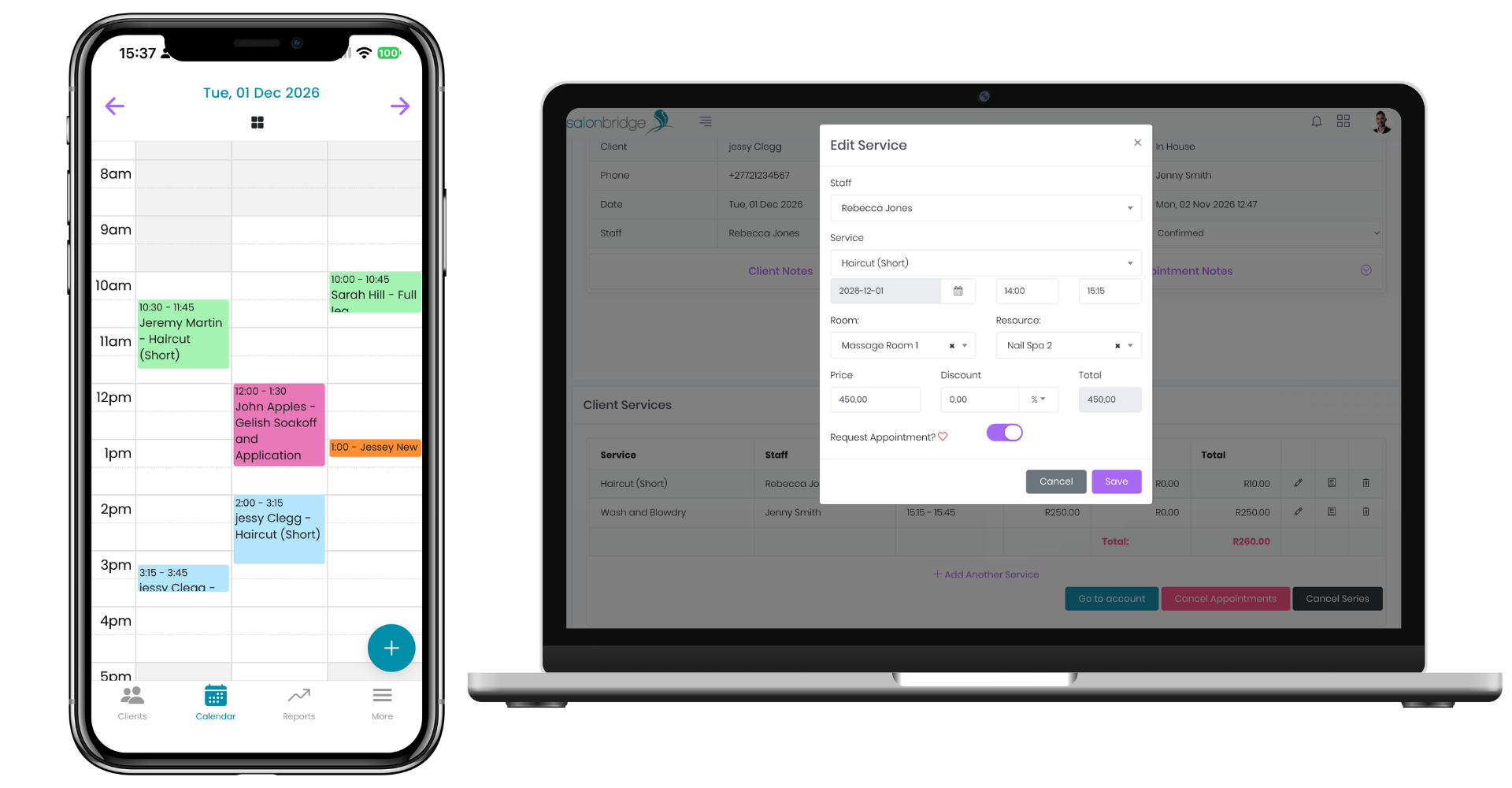
Choose the client, service, staff member, date and time. SalonBridge uses the duration configured for the service, with the option to adjust it for that appointment.
Add notes about this particular visit and mark when a client has specifically requested a staff member. The request indicator gives reception a useful reminder before changing the booking.
Adjust the day as plans change
Move an appointment to another time or staff member by dragging it on the calendar, or open the booking to change its date and time.
You can also add another service to an existing appointment and choose who will perform it. That helps reception handle changes while keeping the rest of the day in view.
Enable the relevant client notifications to send messages when appointment dates or times change.
Plan around the time and resources you have
Set staff working hours and add close-outs for breaks or leave. Close-outs remain visible on the calendar and make those times unavailable for online bookings.
For treatments that need a room or shared equipment, allocate the relevant room or resource. SalonBridge checks allocated bookings against the capacity you have configured, helping your team account for what the treatment requires.
Follow every client visit
Update appointment statuses such as Confirmed, Arrived and Late so colleagues can see what is happening. These visible updates help reception and treatment staff coordinate the day.
Confirmed online bookings appear in the calendar automatically, bringing client-made appointments into the same schedule your team uses.
Questions about the appointment calendar
Yes. Move the appointment to the appropriate staff member. The change is also reflected under that staff member in your reports.
Yes. Staff permissions control actions such as creating, editing and cancelling appointments, so access can match each person’s role.