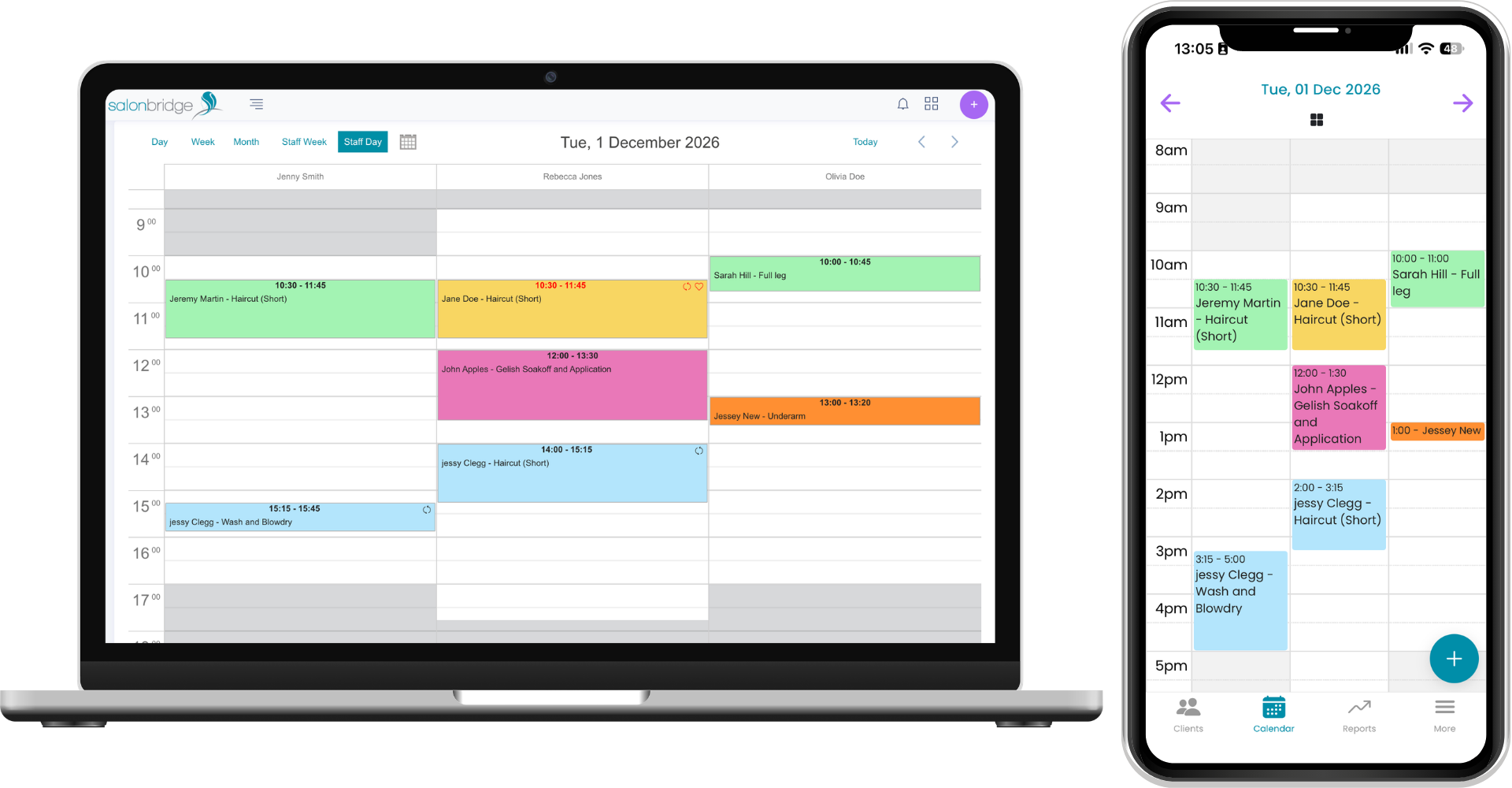
Connect a supported card reader at reception or add a payment provider to your online checkout. Successful payments are recorded in SalonBridge.
Payments
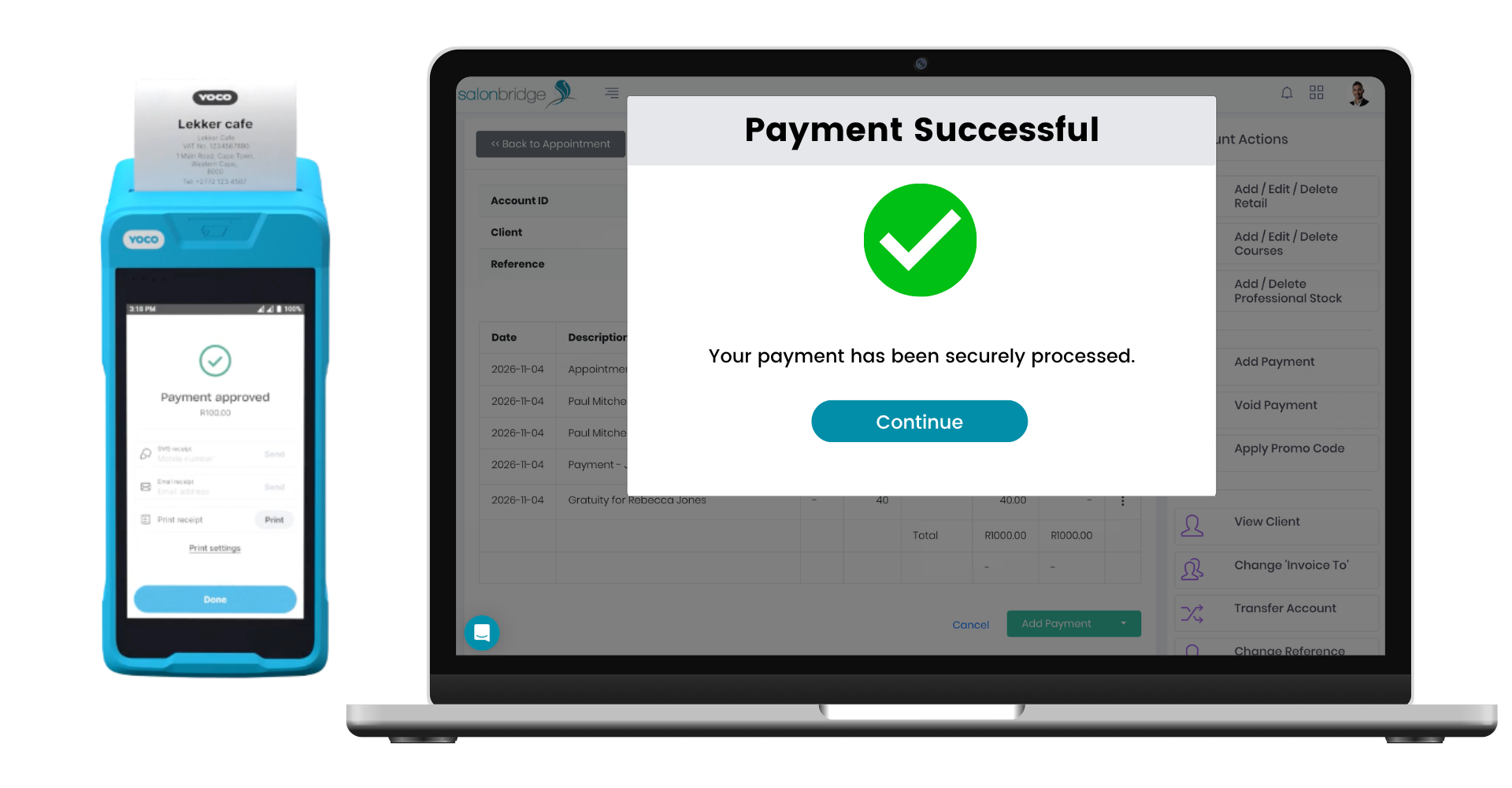
Send a payment amount from SalonBridge’s browser console to a supported Yoco card reader. Approved payments are recorded automatically on the client account and in your reports.
Let clients pay online for booking deposits, invoices, gift cards and retail purchases through Yoco. Confirmed payments are recorded in SalonBridge for your team to review.
Offer online payments for booking deposits, gift cards and retail purchases through your Payfast account. Supported payment options include cards and Instant EFT, depending on your setup.
Use a supported PayPal account for online bookings, invoices, gift cards and retail purchases. The payment currency must be supported by PayPal and match your SalonBridge currency.
Marketing
Use client activity and booking-page data to guide your marketing. Build campaigns, configure tracking and review results in the tools connected to your account.
Keep your chosen Mailchimp audience updated with client details and supported booking and purchase activity. Create relevant campaigns and, where your Mailchimp plan supports them, automation flows.
See visits and completed-booking activity from your SalonBridge online booking pages in Google Analytics 4. Give your marketing team more context when reviewing campaigns and promotions.
Connect your Google Tag Manager container to SalonBridge’s online booking pages. Configure, test and publish supported analytics and advertising tags in GTM with your marketing team.
Send booking-page visits and completed-booking activity to Meta Pixel. Bring that activity into the advertising you manage in Meta, with campaigns and audiences configured in your Meta account.
Automation
Connect the information and steps your team handles repeatedly. Set up client-linked forms or build a workflow that passes selected information between your apps.
Keep using Jotform for your client questionnaires and view correctly linked responses in SalonBridge. If you prefer to create forms in your account, native SalonBridge Forms are also available.
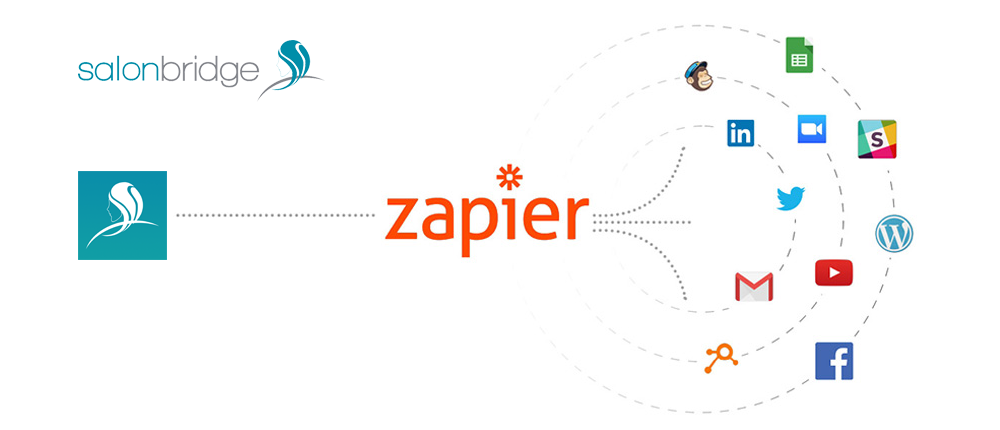
Start workflows in other apps from supported SalonBridge triggers. Use actions to create clients, update existing clients or create retail sales in SalonBridge; trigger timing depends on your Zapier plan.
Developers
For a connection built around your own process, give your developer the documentation. Confirm access and supported functionality before beginning a custom integration.
Give your developer a documented way to build a custom connection with SalonBridge. Explore the API, agree the scope and confirm access before development begins.
Start with the tools at the heart of your business
Explore the SalonBridge features that bring bookings, client information, sales and business management together, then choose the integrations that support the way your team works.