
Connect Meta Pixel, formerly Facebook Pixel, to your SalonBridge online booking pages. Send page visits and completed-booking activity to Meta so you can consider the booking journey when reviewing your advertising.
Bring online bookings into your Meta advertising
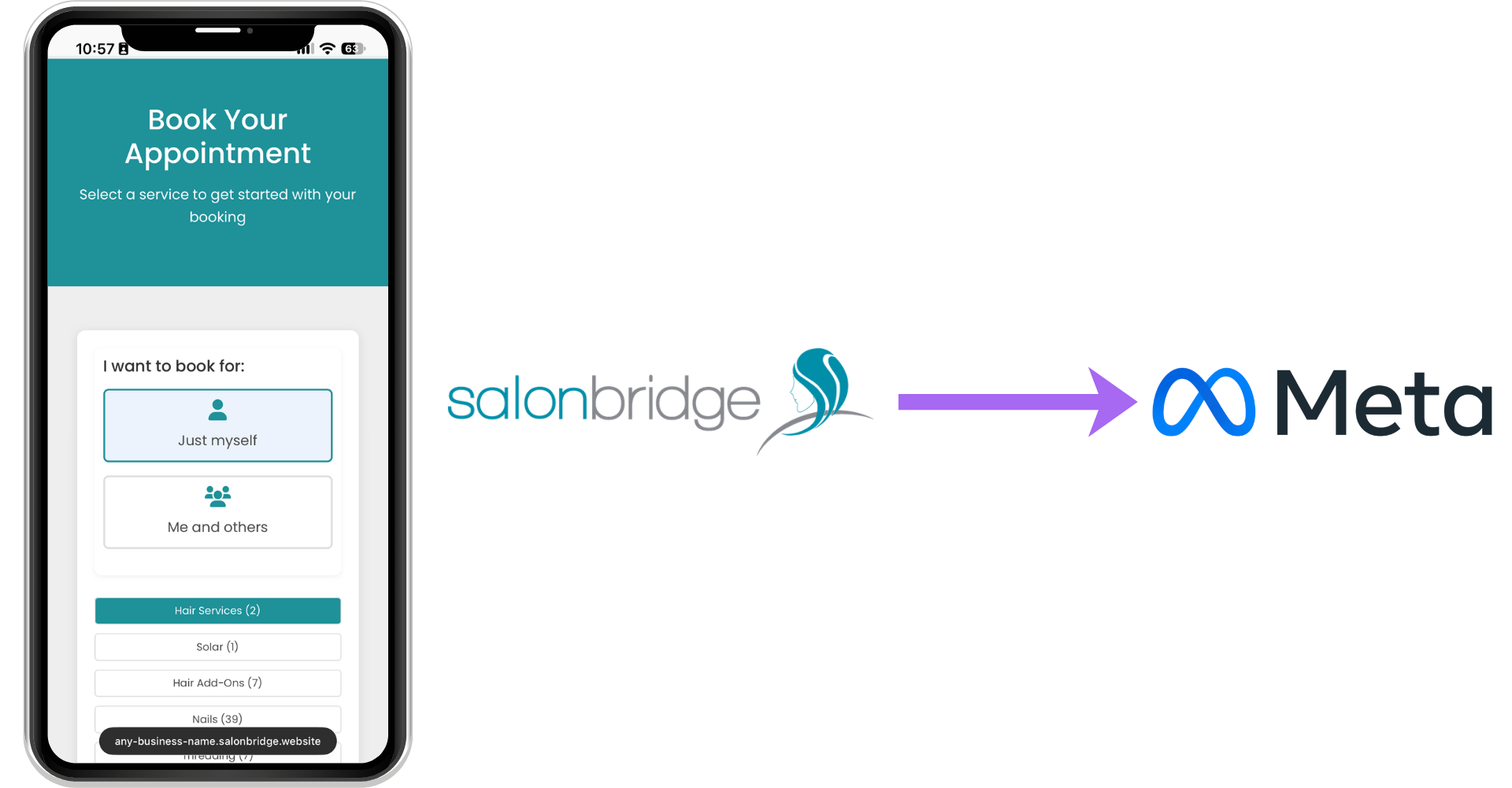
See when people reach your booking page
The integration sends a page-view event when someone visits your SalonBridge online booking page. This gives you activity from the point where potential clients explore your availability and take the next step towards an appointment.
Use that context when reviewing the offers and messages you promote through Meta.
Include completed bookings in your measurement
When an online booking is completed, SalonBridge sends a Schedule event with information about what was booked.
That gives your marketing partner a booking signal to work with in Meta. Review it alongside your campaign setup and test that events arrive as expected before using them to assess results.
Plan follow-up advertising in Meta
Use booking-page activity to inform advertising for people who have already shown interest in your salon or spa. Your audiences, advertisements and campaign settings are managed in Meta.
Choose a follow-up message that helps someone take the next step, such as learning about a treatment or returning to your booking page. The integration supplies activity; your marketing team decides how to use it.
Questions about Meta Pixel
Enter your Meta Pixel ID under Facebook Pixel in SalonBridge’s integration settings. You will need the relevant Meta account access and a SalonBridge package that includes integrations.
The Schedule event describes a completed online booking. Review payments and appointment attendance in SalonBridge when assessing the resulting business activity.