
Connect your Yoco account to SalonBridge so clients can pay as part of their online booking or purchase. Bring the payment result back into the same system you use to manage appointments, client accounts and sales.
Let clients pay online with Yoco
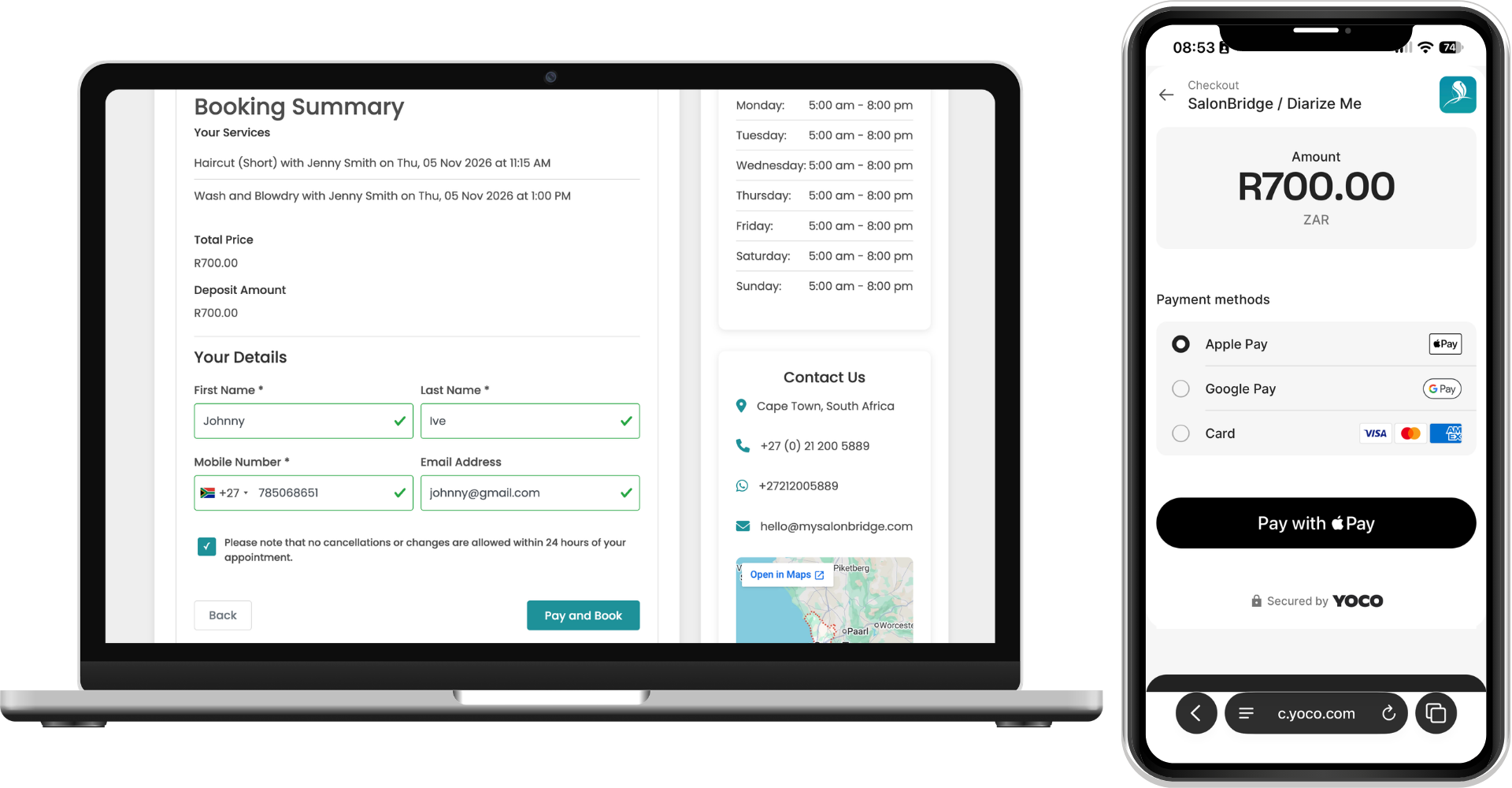
Take a deposit during online booking
Enable online booking deposits and choose the percentage you want clients to pay. After choosing their services, staff member and appointment time, clients continue to payment before their booking is confirmed.
Yoco processes the payment and tells SalonBridge whether it was successful. The confirmed booking then appears in your calendar, with its payment recorded in SalonBridge.
Accept payments beyond appointments
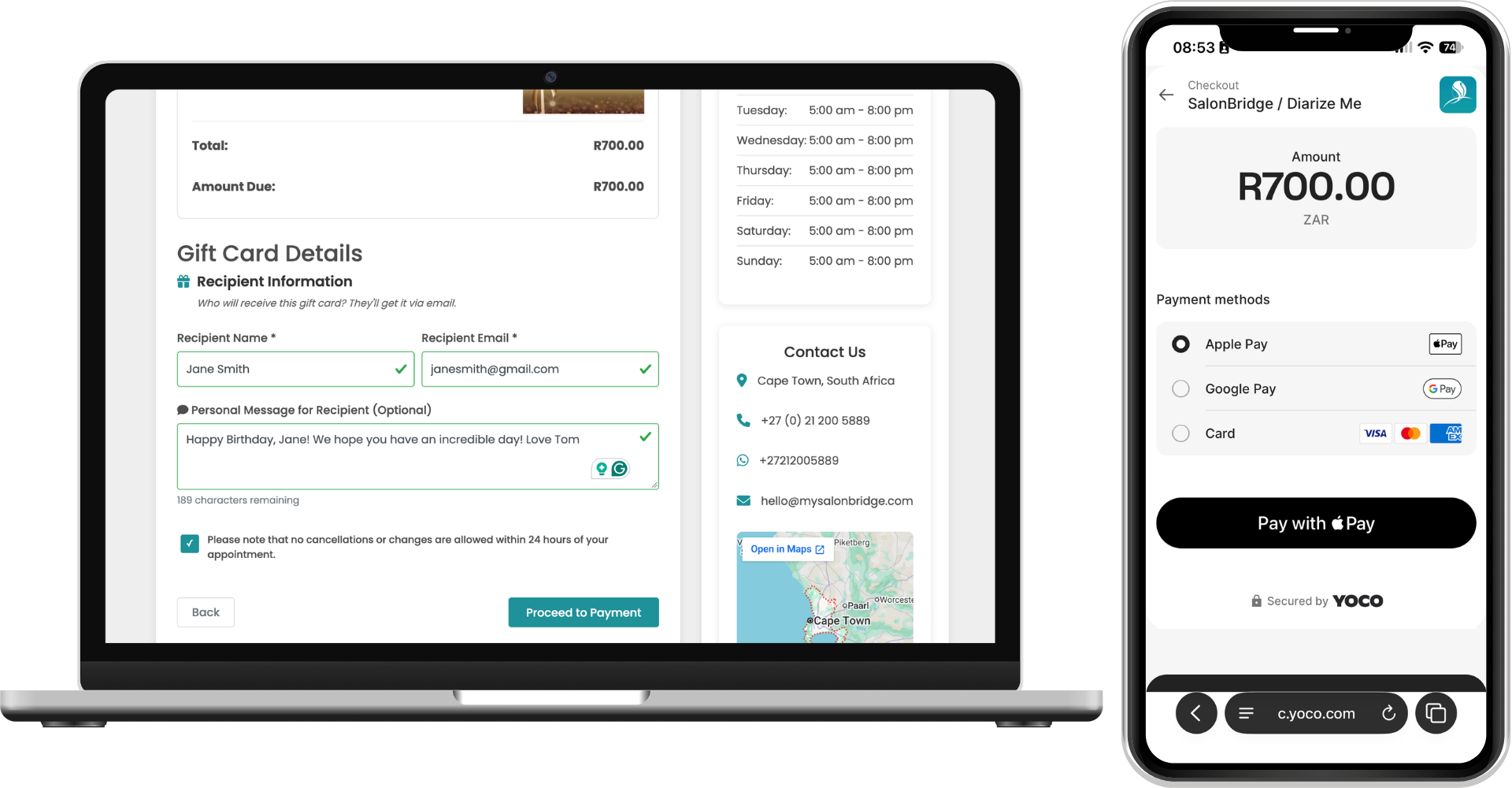
Use Yoco Online Payments for online gift card purchases and retail orders, with the relevant selling options enabled in SalonBridge. Clients can complete their purchase through your online page and pay through your connected Yoco account.
The integration also supports online invoice payments. That gives your business a connected payment option for several everyday transactions, using the Yoco account you have linked.
Keep confirmed payments in your records
After a successful payment, SalonBridge completes the booking or order and sends the relevant receipt and confirmation to you and your client.
The payment appears automatically in your SalonBridge console and is identified as Yoco Online in your cash-up and payments reports. Your team can review the payment alongside other recorded activity without capturing the successful online transaction again.
Questions about Yoco Online Payments
You need a Yoco account with online payments enabled. Verify the required domains with Yoco, then connect your live payment keys under My Business → Integrations. Follow the setup guide for your SalonBridge booking address and any embedded booking page. Yoco also provides test keys and a test card for checking the setup.
No. This integration connects your online payment gateway. For payments sent from SalonBridge to a supported card reader at reception, use the separate Yoco Web POS integration.