
Give clients a clear reminder of the time they have set aside with you. SalonBridge can send appointment confirmations, updates and reminders by SMS and email, using the settings you choose. Your team can focus on the day ahead while routine appointment messages are handled through the system.
Keep clients informed from booking to arrival
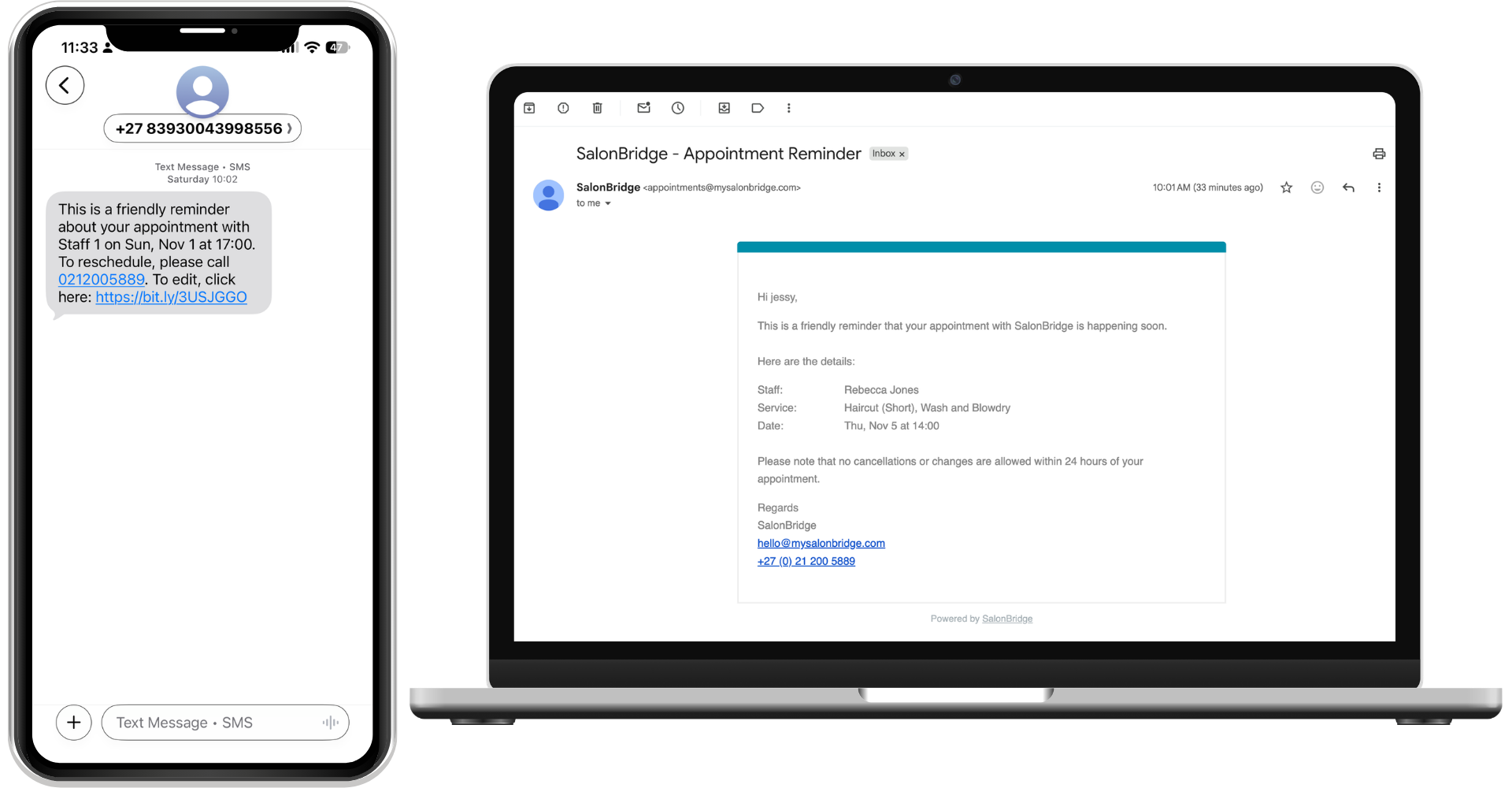
Keep up with changes to the diary
Enable messages for new appointments, date or time changes, and cancellations. When the diary changes, the relevant notification helps the client understand what has changed, too.
You decide which notification types your business uses. Configure SMS and email messages in SalonBridge, and use each client’s notification preferences to guide which communications they receive.
Choose reminder timing that suits your business
Set SMS reminders for two days before, the day before or the day of an appointment. Same-day options include one, two or three hours beforehand.
Choose the reminder schedule that works with your reception routine and the appointments you offer. Messages depend on the booking being made before the configured reminder time, so a last-minute booking may receive its confirmation after that day’s reminder run has already passed.
Make the message sound like your salon
Customise the wording and use the available personalisation fields to include relevant client and appointment information. Email messages can include details such as the client’s name, appointment date, staff member and service.
You can also include your cancellation policy and supported calendar links in appointment emails. If you use SalonBridge Forms, add a client-specific form link to a reminder so clients can complete the information you need before their visit.
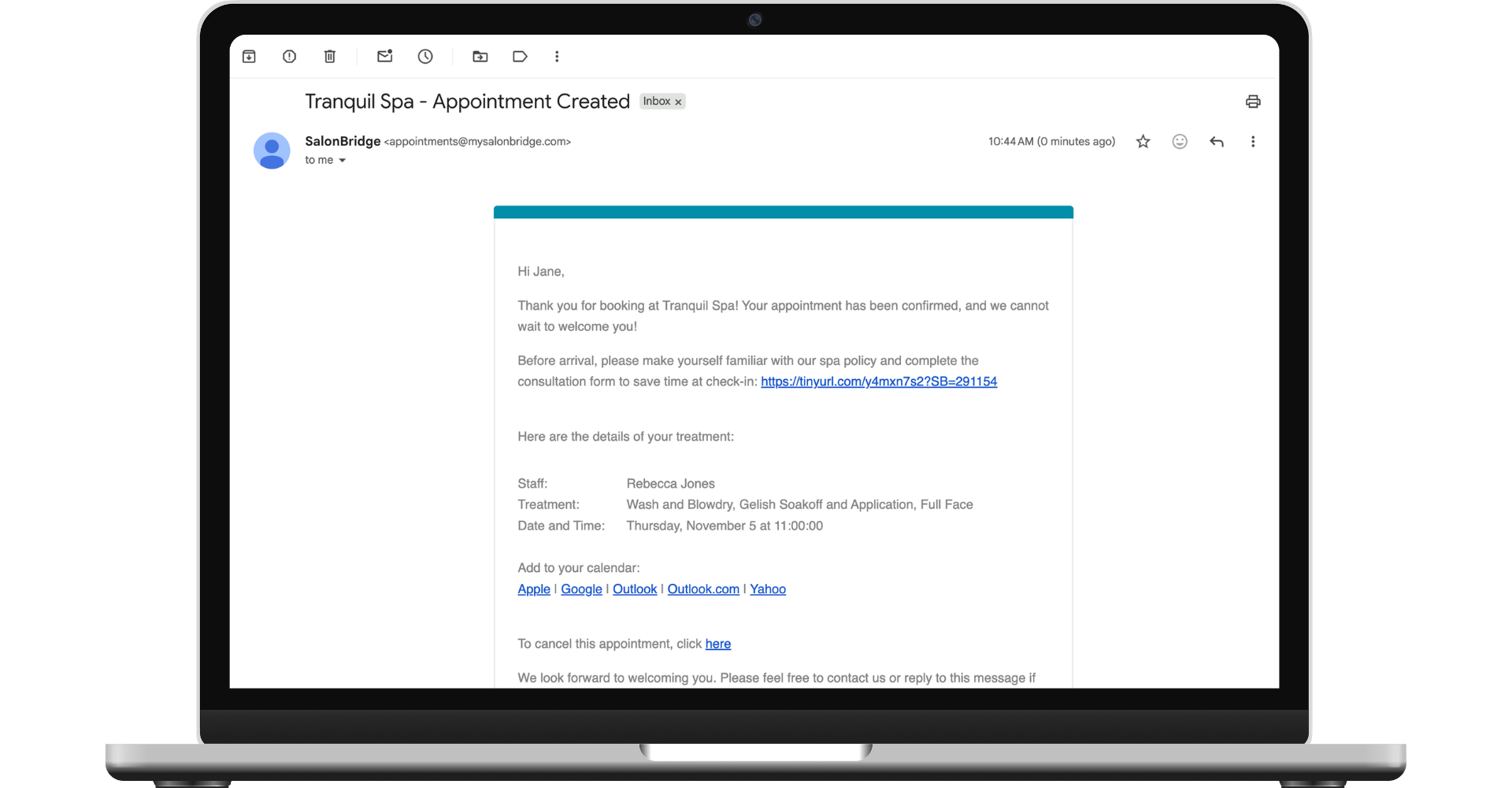
See what has been sent
Search Client Messages by name or mobile number and open a message to review its content. The SMS messaging report lets you review sent messages over a date range and export the information when needed.
You can also enable a thank-you message after the appointment, choosing its wording and timing to continue the conversation.
Questions about client reminders
Yes. Client profiles include notification preferences, so you can manage appointment communications for individual clients.
SMS messages use your available credits. Included allowances depend on your plan, and you can purchase additional credits when needed.