
Recognise the clients who keep choosing your business. SalonBridge lets you create a loyalty programme around visits or spending, track points and make earned rewards available on the client account. Your team gets a consistent way to recognise loyalty within the system they already use.
Give regular clients something to look forward to
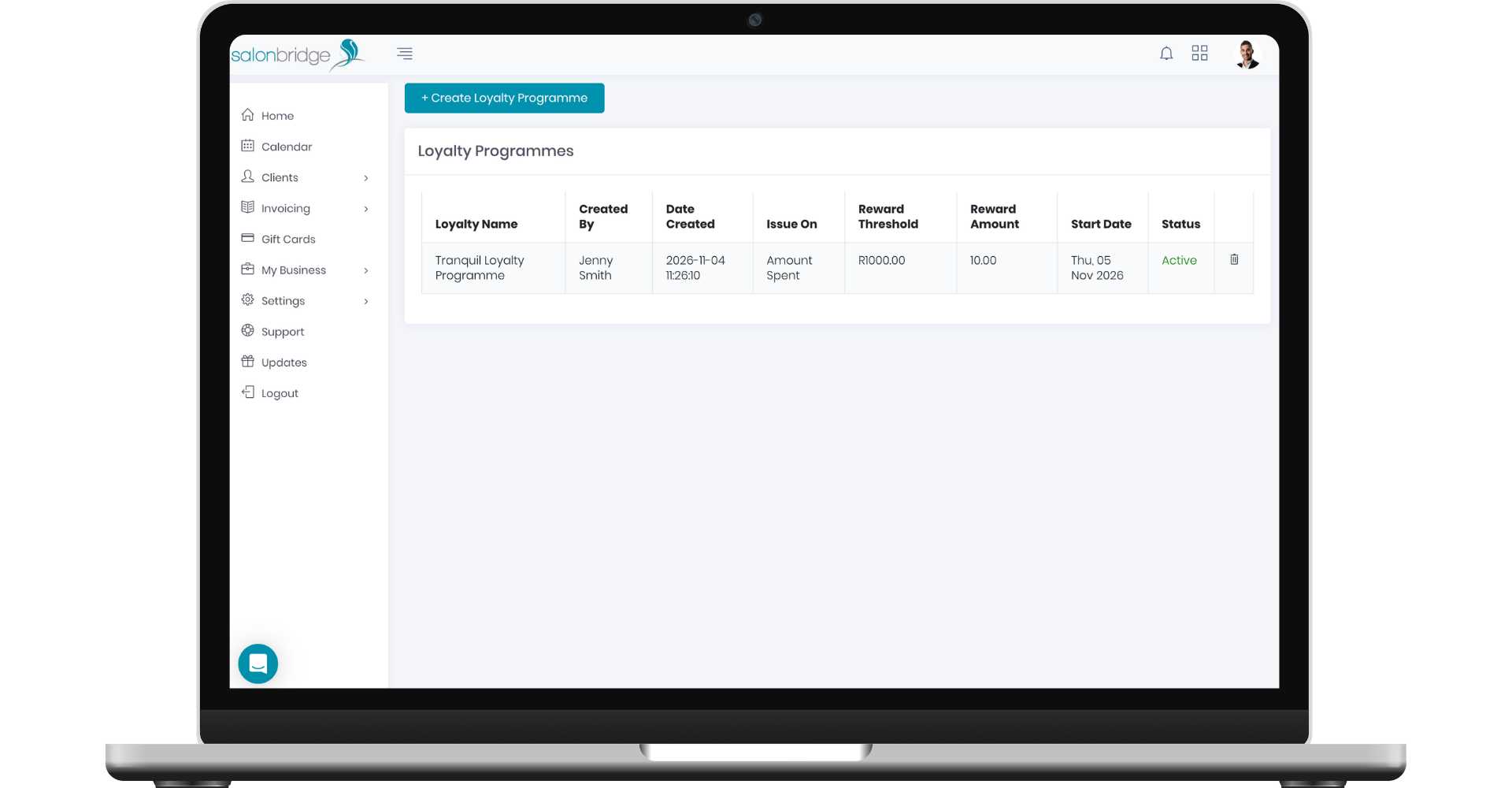
Choose what your programme rewards
Create a programme with a name, start date and reward threshold. Choose whether clients earn points through their visits or the amount they spend.
For a spending programme, decide whether eligible activity includes treatments, retail purchases or both. This gives you a way to align the programme with the part of your business you want to encourage. Your rules determine when a client reaches the reward threshold.
Points are processed at the end of the day. A visit-based programme issues one point per client for that day, even if they have several treatments.
Make available rewards easy to use
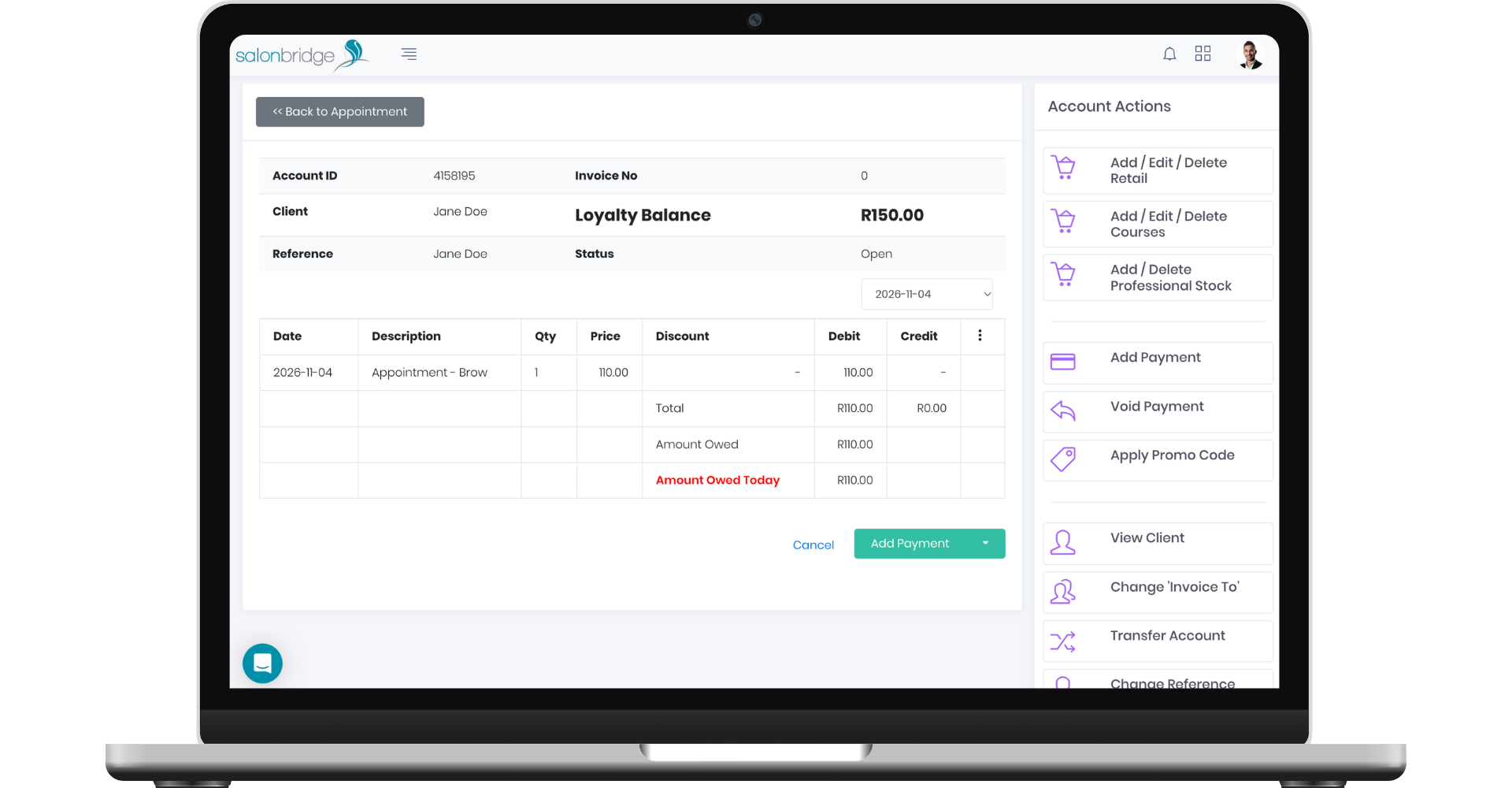
View a client’s redeemable reward balance on their profile or account. When they want to use it, your team records a payment using Loyalty as the payment method.
The amount redeemed is deducted from the available loyalty balance. Because the redemption sits on the client account, reception can follow the reward through the same payment workflow used for the rest of the visit.
This makes a practical conversation at checkout possible: your team can see the available balance and help the client decide how much to redeem.
Review progress across your client base
SalonBridge notifies you when a client reaches the reward threshold. You can also use the client loyalty report to review the points earned across your client list.
View the report on screen or download it as a PDF or Excel file for review. Access is controlled by staff permissions, so you can decide who is able to see loyalty reporting.
Questions about client loyalty
Yes. Choose a visit-based programme or one based on eligible spending, then set the relevant threshold.
Yes. The redeemable balance is shown on their client profile as well as their account or invoice.