Give clients a way to pay for online bookings, gift cards and retail purchases through your connected Payfast account. SalonBridge brings the successful payment back into your records, linking online checkout with the activity your team manages each day.
Connect online checkout with Payfast
Choose when clients pay
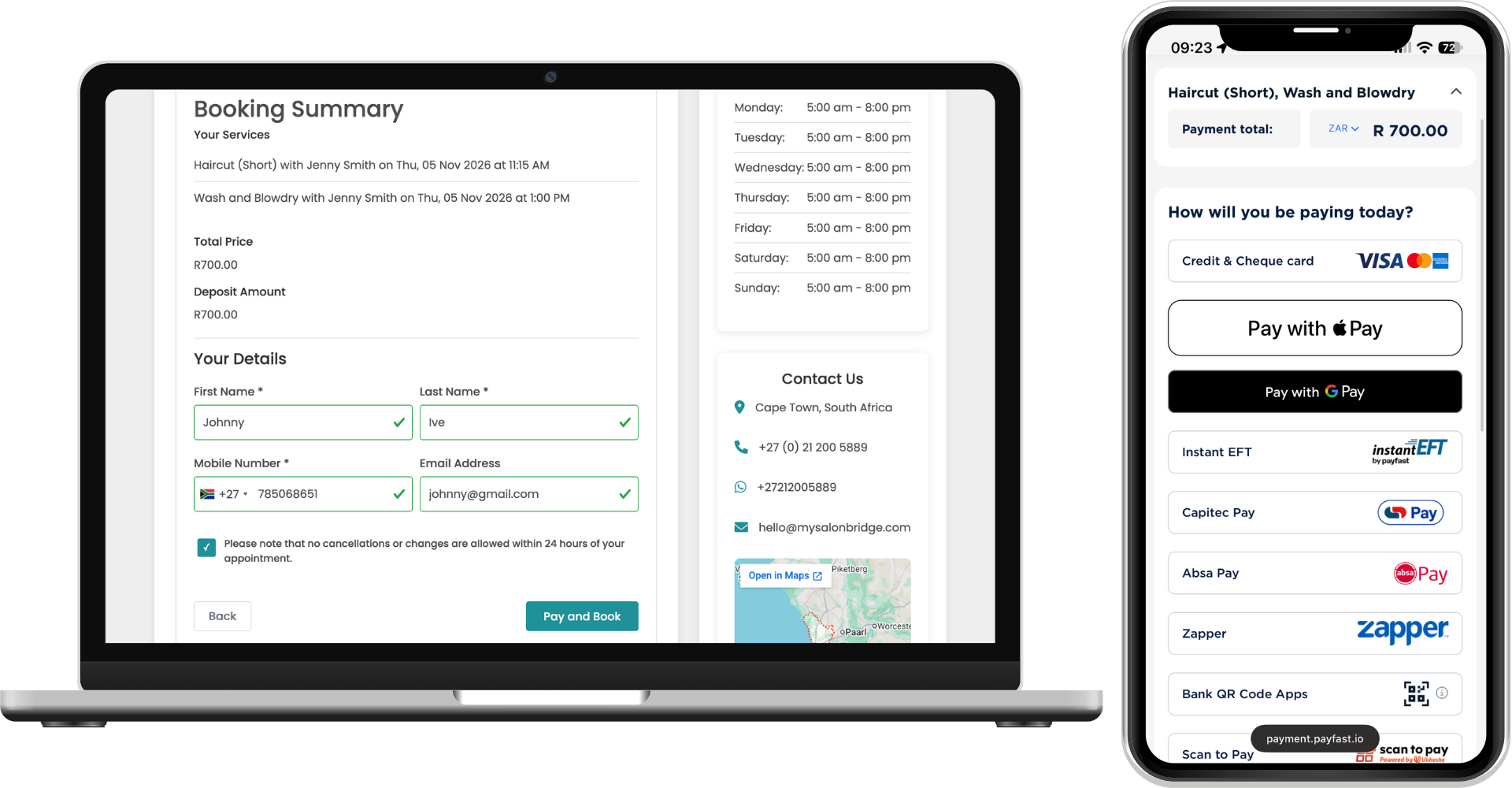
With Payfast connected, you can enable deposits for online appointments and choose the percentage clients need to pay before a booking is confirmed.
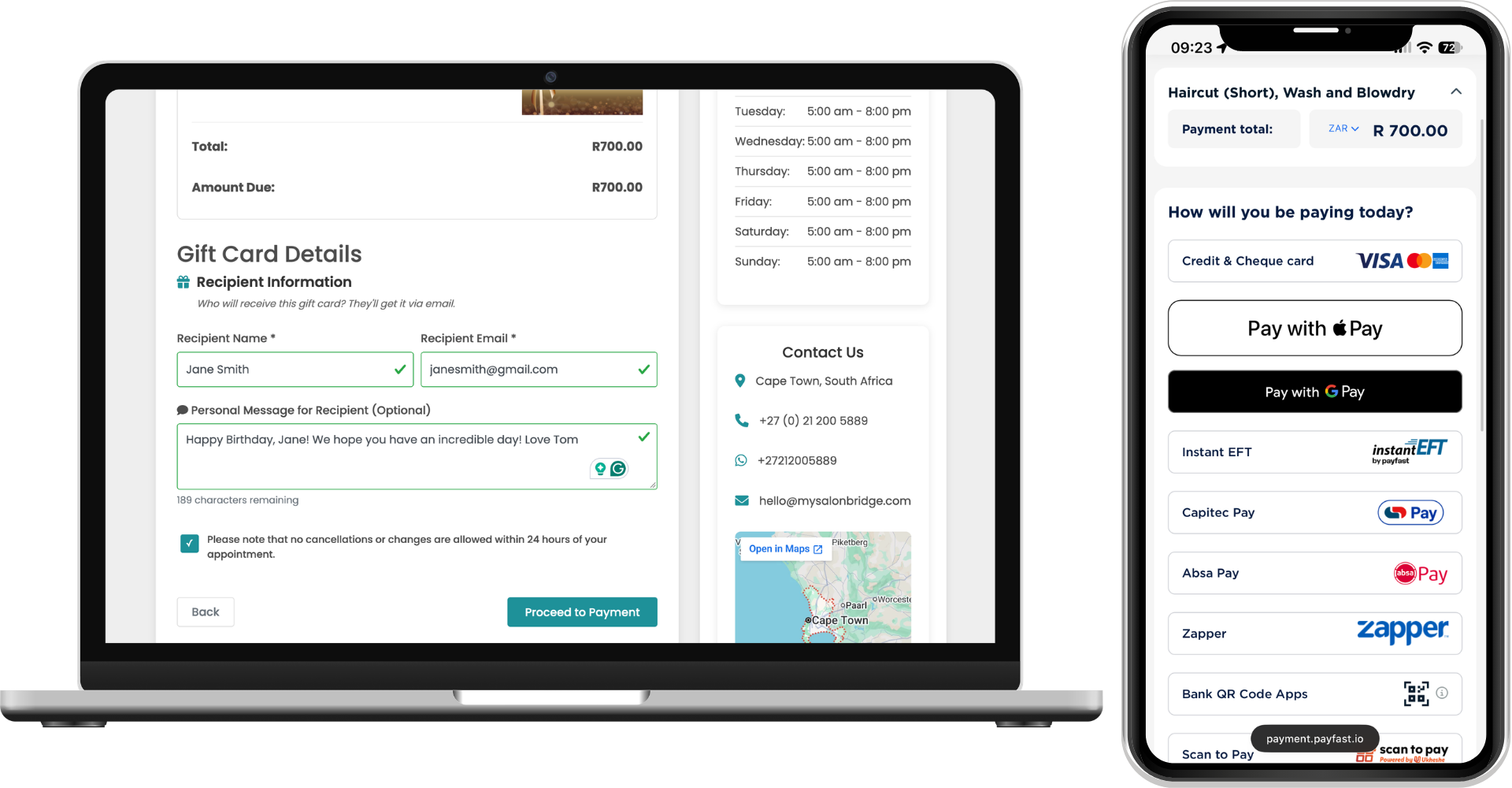
You can also accept payment for online gift cards and retail orders when those selling options are enabled in SalonBridge. Your clients choose what they want on your online page and continue to checkout to complete the purchase.
Offer familiar online payment options
Payfast supports card payments and Instant EFT through its online payment service. The payment options available to your clients depend on your Payfast account and setup.
Clients are directed to Payfast’s payment page to enter their payment information. Payfast processes the transaction and sends the result back to SalonBridge, connecting the payment step with the booking or purchase they started.
Keep confirmations and reports together
Once payment succeeds, SalonBridge completes the booking or order and sends the relevant receipt and confirmation to you and your client.
The payment appears automatically in your SalonBridge console, with PayFast identified as the payment method in cash-up and payments reports. This gives your team a consistent place to review confirmed online transactions alongside the other payments recorded in SalonBridge.
Questions about Payfast
Yes. Connect it under My Business → Integrations using the merchant credentials supplied by Payfast. Once the connection is active, configure the online payment and selling options you want to offer in SalonBridge.
Yes. After activating a supported online payment integration, you can enable a secure deposit and choose its percentage in your online booking settings. The payment step then takes place before the booking is confirmed.