
Bring treatments, retail purchases and payments together on the client’s account. Your team can see what is owed, record how it was paid and keep the details available for later.
Keep every sale and payment connected to the client
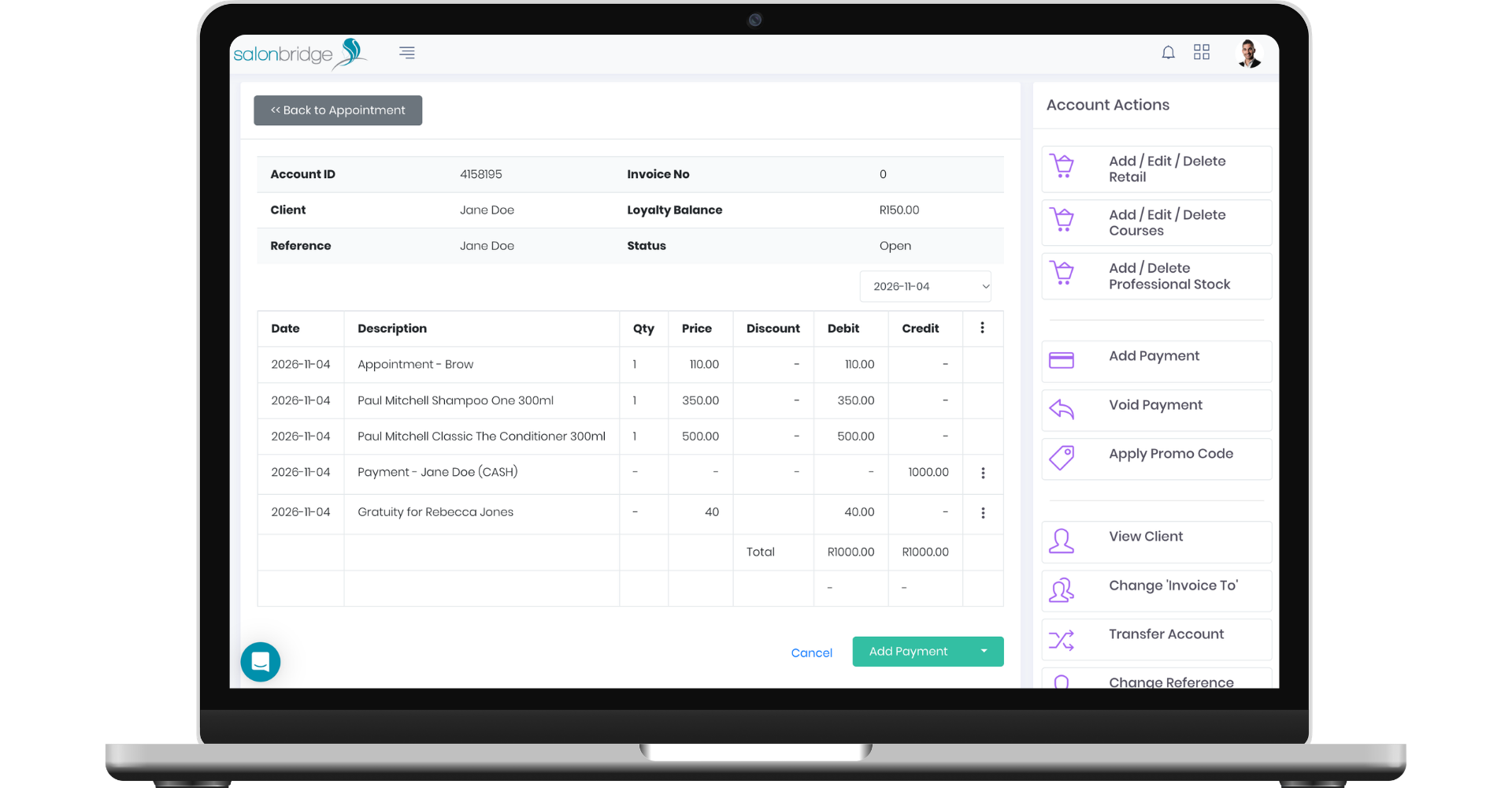
Bring the visit onto one account
Open the account from an appointment and add the products your client wants to take home. You can also create a retail sale for someone who comes in just to buy a product.
Select the selling staff member when adding retail so the sale is associated with the right person for sales and commission reporting. Use date views to check charges for a particular visit.
Handle split payments and staff tips
Record part of an account using one payment method and the rest using another. SalonBridge updates the balance as payments are added.
Allocate a tip to one staff member or split tips between several people. Send an invoice link by email or SMS so the client can review their account after leaving.
Connect your supported Yoco card reader
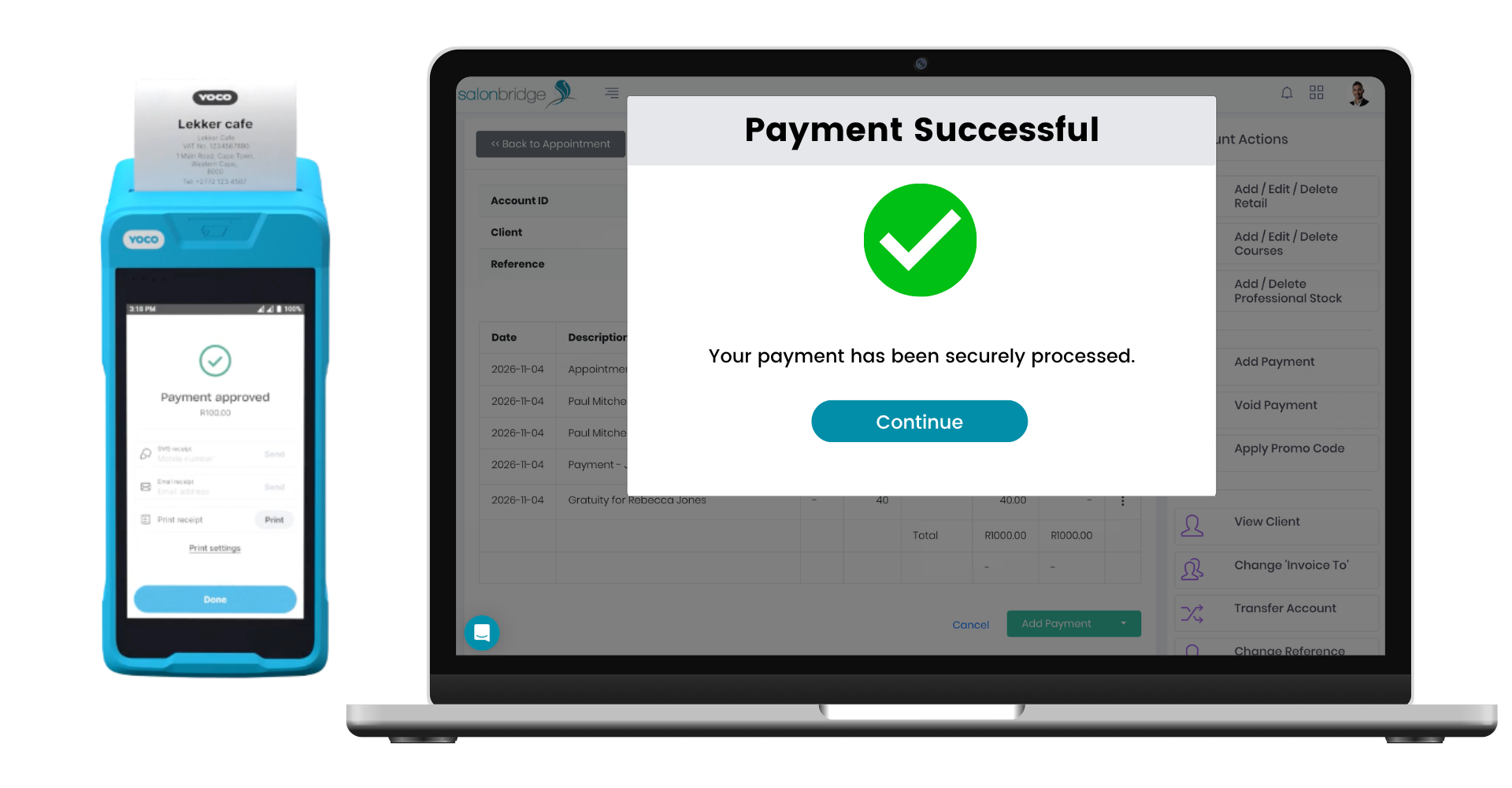
With Yoco Web POS enabled, send the payment amount from SalonBridge to a selected card reader. Once payment is completed, it is recorded automatically on the account and appears in your reports.
Connect a supported Neo Touch or Khumo Print reader through the SalonBridge browser console. Yoco’s account requirements and transaction fees apply.
Finish the day with clearer records
Review sales and recorded payments in your daily cash-up, with a breakdown by staff member. Use Find Out Why to help investigate differences that need attention.
Keeping sales and payments visible separately is useful when clients pay in advance, leave an outstanding balance or redeem prepaid value. It helps your team understand the transactions behind the totals.
Questions about point of sale
Yes. Prepare a quote for treatments, retail or courses and send it by email or SMS. Once the client agrees, create their booking or sale through your usual process.
Yes. A payment above the amount currently owed leaves the account in credit. That credit can be used against later appointments added to the open account.