
Give your team useful information for every visit. SalonBridge brings client contact details, appointment history, account information and notes into one record, helping you prepare for the person coming through your door.
Know the client behind every appointment
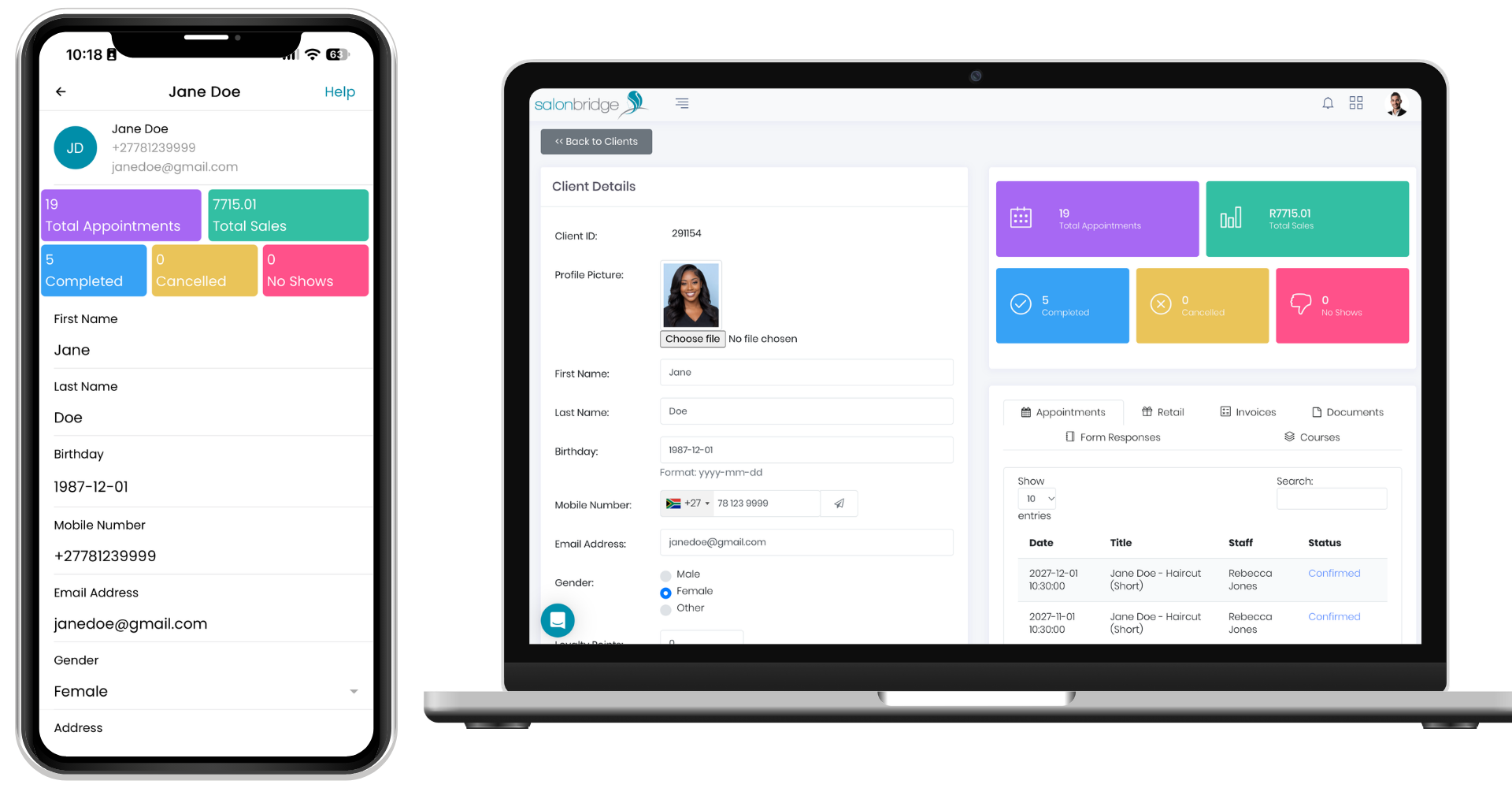
Keep useful details ready for the next visit
Save contact information, birthdays, communication preferences and notes that your team can refer to later. Record a client’s preferred style or details you want to remember for their next treatment.
Use tags to organise clients into groups that make sense for your business. Those tags can also help you select audiences for SMS campaigns and review your client reports. For clients with an agreed discount, you can set separate default service and retail percentages.
Bring documents and treatment information together
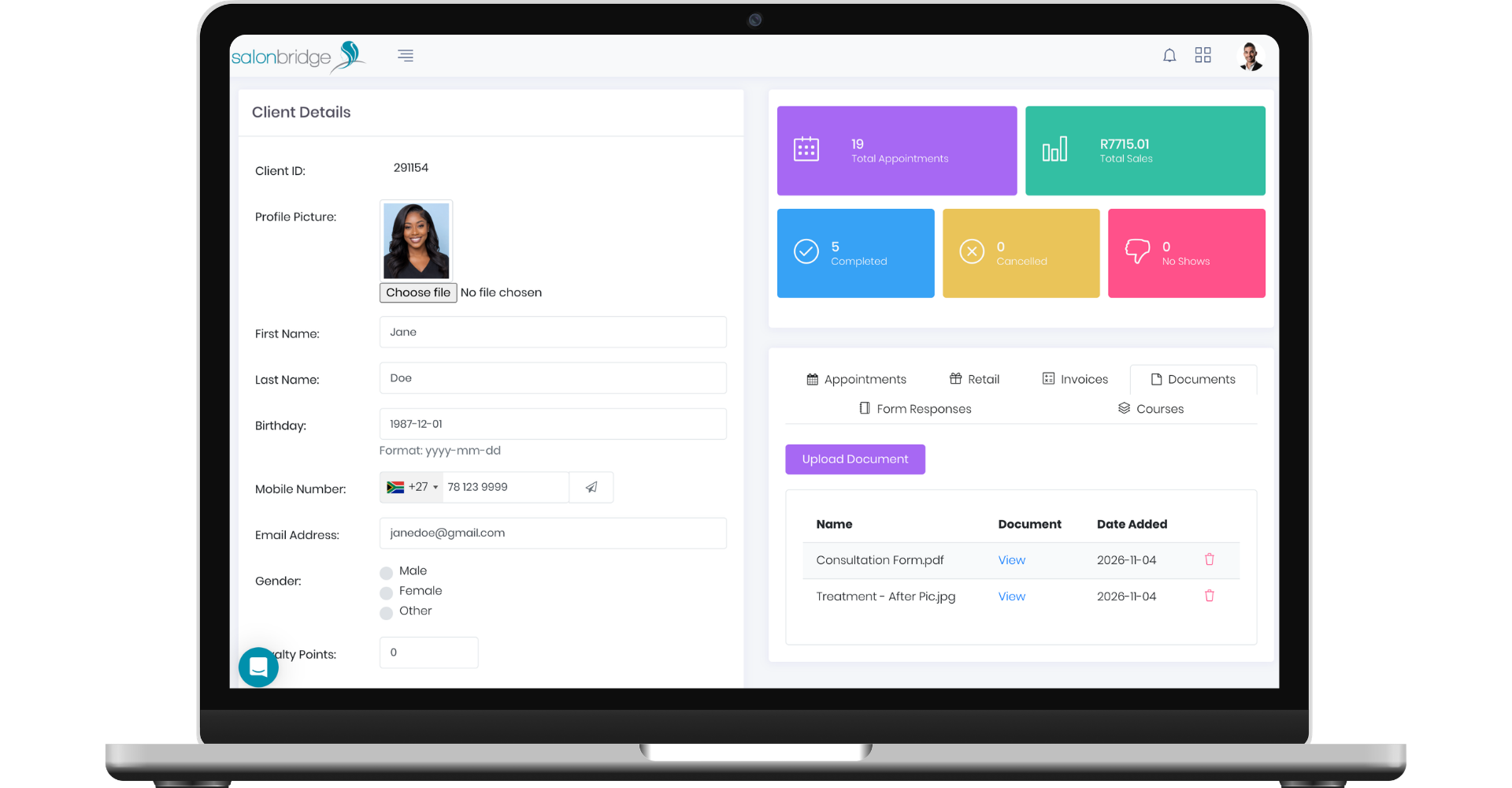
Upload relevant documents, photos and other media to a client’s profile. Your team can find a previous treatment image or a completed document alongside the client’s other records.
When you send a native SalonBridge form using a client-specific link, the completed response is linked to their profile automatically. This keeps the answers and signature available for the next conversation. General public form links create unlinked responses.
Keep your database organised as it grows
Add clients yourself or let SalonBridge create their record when you book an appointment with new client information. You can also import an existing client list.
If duplicate profiles appear, SalonBridge helps you find records sharing a mobile number. Review them, choose the primary profile and merge the selected records to bring their appointment, account, payment and other supported history together. Merging is a deliberate, permanent action controlled by staff permissions.
Give your team appropriate access
Set staff permissions for viewing, adding, editing and merging client records. You can also control access to client contact information and related reports, keeping each person’s access aligned with their responsibilities.
Questions about client records
Yes. Import a CSV file and match its columns to the supported client fields. Each import supports up to 5,000 records; larger lists can be split into multiple imports.
Yes. Upload relevant files to their profile and open them again from the Documents tab when needed.