
Connect SalonBridge to Google Analytics 4 to see visits and completed booking activity from your online booking pages. Give your marketing team a clearer view of what happens when people reach the place where they can make an appointment.
Understand the activity behind your online bookings
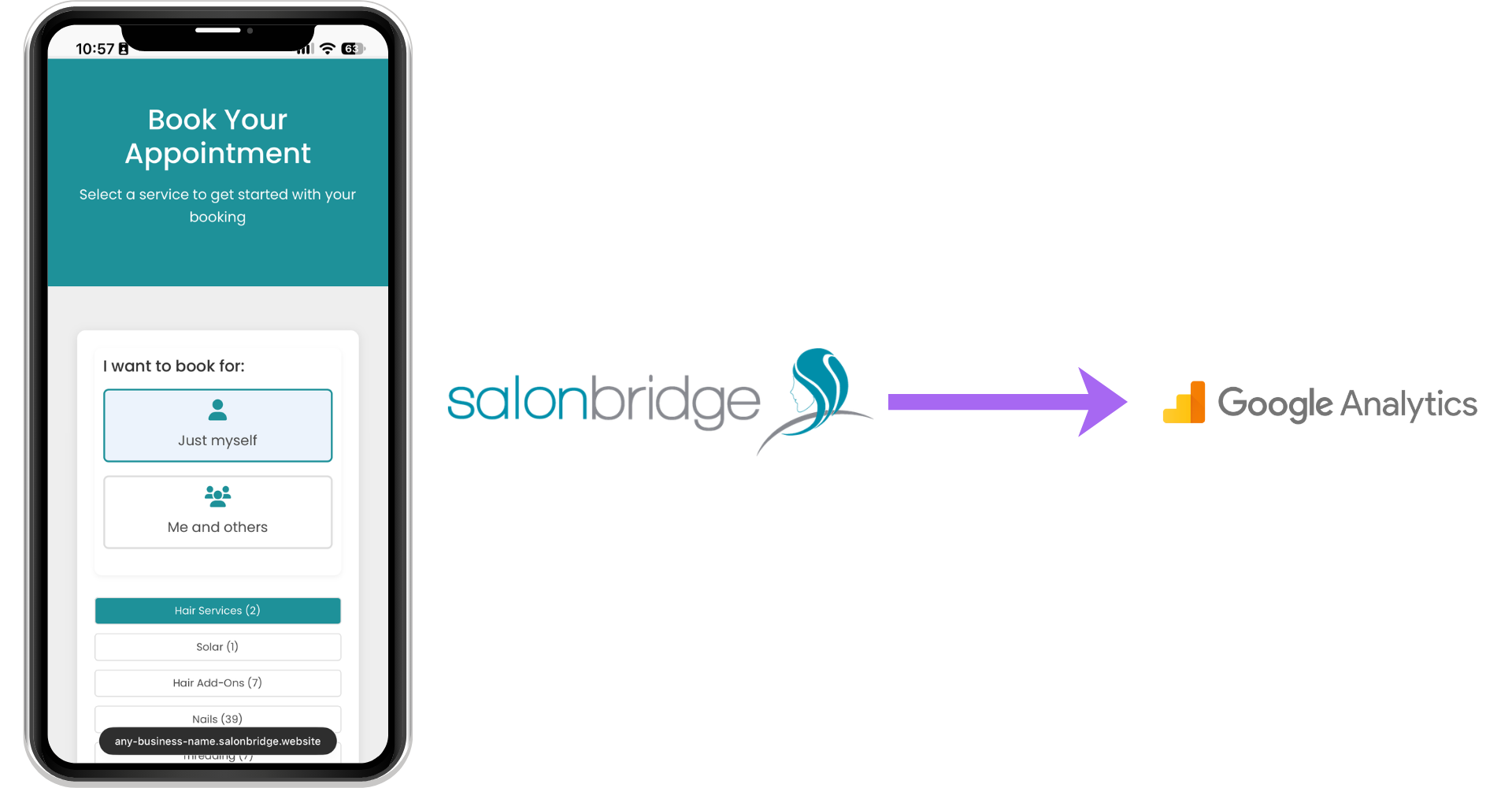
See interest in your booking page
SalonBridge sends a page view to Google Analytics when someone visits your online booking page. Review that activity to understand when people explore your availability and how frequently they return.
This gives you a useful starting point when reviewing a promotion, introducing a treatment or planning your next campaign. Compare consistent periods so you can put changes in context.
Include completed bookings in the picture
The integration also sends activity when an online booking is completed. Review that alongside visits to understand how people are using your booking page.
A completed booking is a useful outcome to measure. Keep your appointment, attendance and payment records in SalonBridge alongside the website activity you review in Google Analytics.
Use your own analytics account
Enter your GA4 tag ID in SalonBridge’s integration settings to connect the property you want to use. Your reports remain in Google Analytics, where your marketing partner can help configure the views you need.
Verify a test visit and booking before relying on the reports. Google’s Realtime and DebugView tools can help you check data collection.
Questions about Google Analytics
Yes. Use the GA4 tag ID for the property that should receive your SalonBridge booking-page activity.
No. Use GA4 to review activity on your online booking pages. Use SalonBridge’s business reports to review the appointments, sales and payments you manage in SalonBridge.