
Connect your Google Tag Manager container to SalonBridge and give your marketing team a place to manage supported analytics and advertising tags. Bring your booking pages into the tracking setup you use for your business.
Manage tracking for your online booking pages
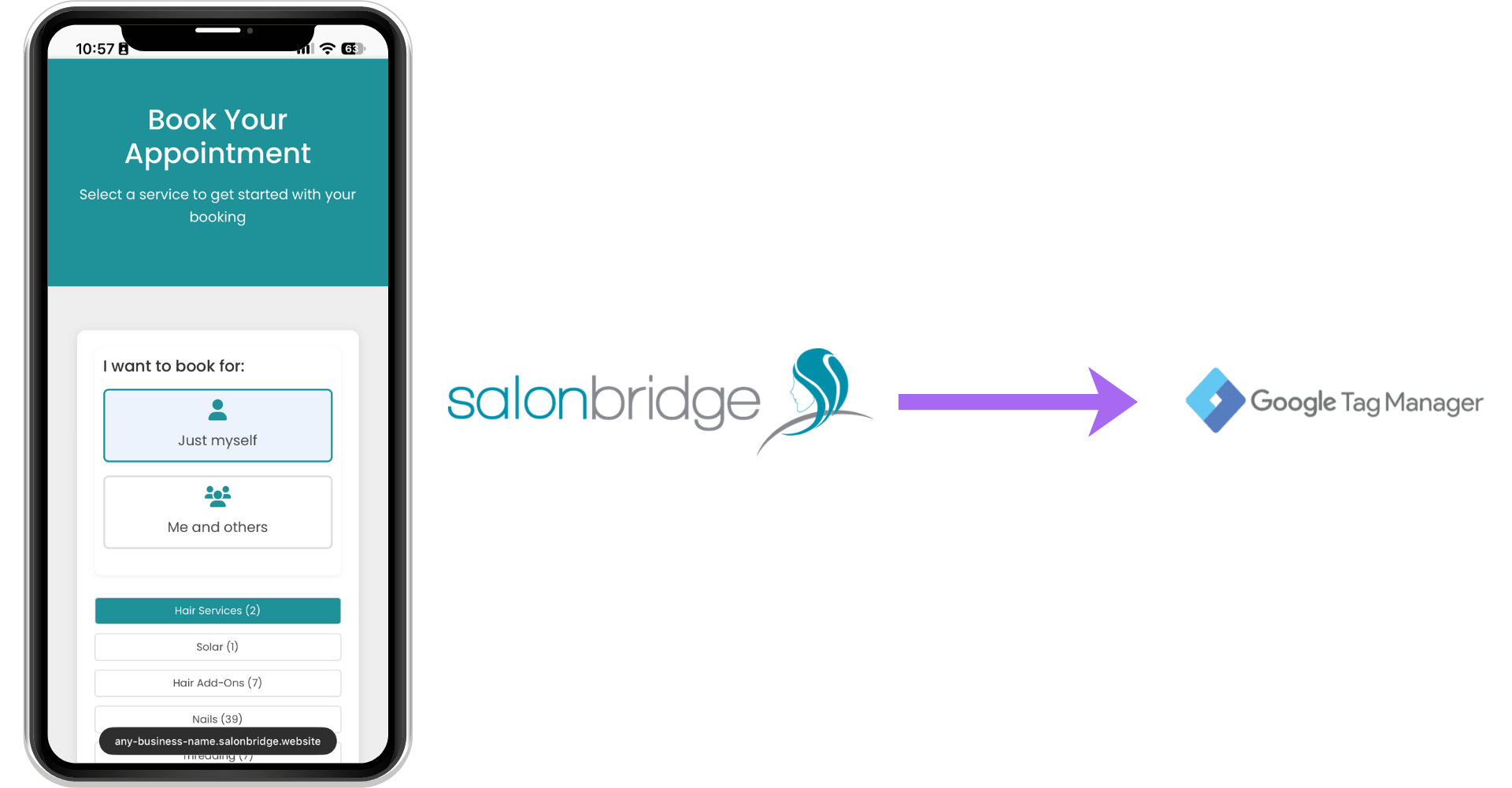
Connect your container to SalonBridge
Add your Google Tag Manager container ID in SalonBridge’s integration settings. The container then loads when clients visit your online booking pages, without requiring you to edit those pages’ code.
If your marketing partner already works in GTM, they can use its familiar tools to configure the tracking you need.
Choose the tags that support your marketing
Within GTM, you can configure tags for services such as Google Analytics, Google Ads and Meta Pixel, subject to the capabilities of those services and your setup.
Enabling the connection loads your container. Your tags and the rules that control when they run still need to be configured in Google Tag Manager, then published before the changes become active.
Test changes before relying on the data
Use Google’s preview and debugging tools to check which tags run and what information they send. Walk through a demonstration booking with your marketing partner and compare the result with the measurement you intended.
This makes tracking changes easier to review before you use the resulting data to assess a campaign.
Questions about Google Tag Manager
It connects the container to your booking pages. Configure, test and publish the individual tags in Google Tag Manager.
Yes, with appropriate access to your GTM account. Google’s shared preview tools can also help you review a configuration together before publishing.