
Connect SalonBridge to the apps you already use

Reduce repeated admin with workflows built in Zapier. Connect a supported SalonBridge event to an action in another app, or use a supported SalonBridge action to bring information into your business account.

You choose the task, connect the accounts and configure the steps without writing code.
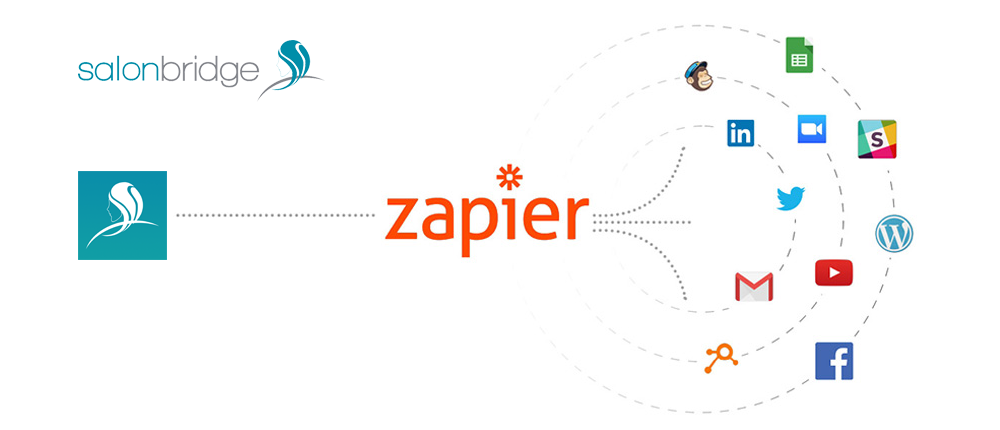
SalonBridge Zapier

Put everyday activity to work

Start a workflow when a new appointment, client, retail sale, payment, gift card or close-out is recorded in SalonBridge. Triggers are also available for updated client information and voided payments.

For example, a new SalonBridge appointment can create an event in Google Calendar. Choose the information to pass across and test how it appears in the receiving app before switching the workflow on.

Bring information into SalonBridge

Zapier also offers SalonBridge actions to create a client, update an existing client or create a retail sale. A new contact in your CRM could therefore become a client in SalonBridge through a workflow you configure.

Set up a connection with a clear purpose

Enable Zapier under My Business › Integrations and generate your SalonBridge Zapier API key. Use that key when connecting your account in Zapier.

Begin with one repetitive task, map the fields you need and check the result using sample data. Browse the SalonBridge app on Zapier for the current triggers, actions and templates.

Questions about Zapier

The listed SalonBridge triggers use polling: Zapier checks for new information at intervals. The interval depends on your Zapier plan, so choose a workflow that suits that timing.

A SalonBridge package that includes third-party integrations, a Zapier account and access to the other apps in your workflow. Zapier’s plan features and task limits also apply.

Give repeated tasks a clear path
Bring SalonBridge into the workflows your team uses every day.
Start your 14-day free trial
Translate »